 Tilter
 Tilter: Foldable Screen
Close the lid.
Watch it fold.
Tilter brings the iPhone Duo fold to your MacBook. Close the lid slowly and the screen folds away into frosted glass. You can check your Mac for free before you buy.
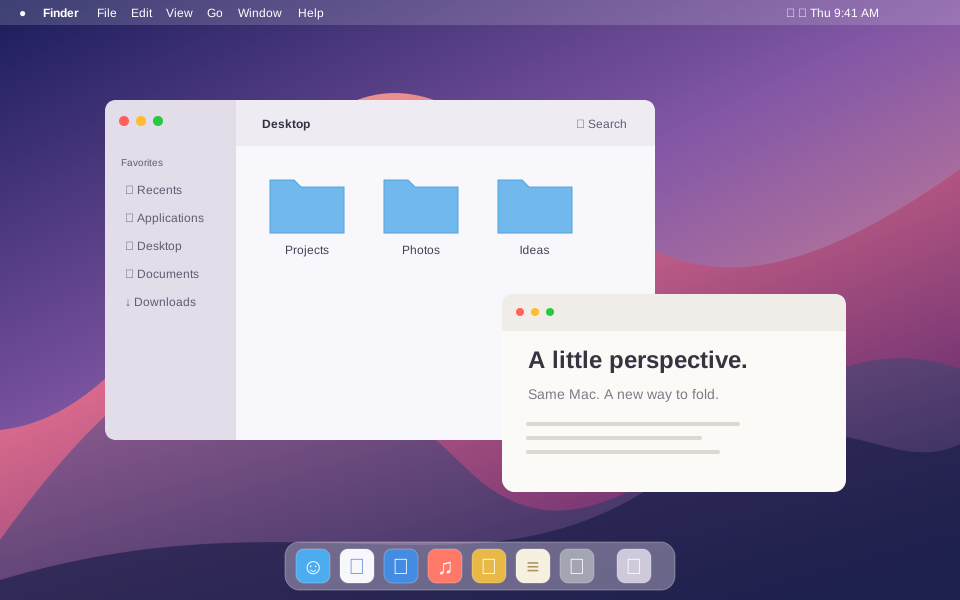
Drag to close the lid. The screen follows.
The fold
The screen folds as the lid comes down
When iPhone Duo folds, its screen blurs and tips away. Tilter does the same on a MacBook, and the lid's own hinge sensor drives it. As you lower the lid, the picture tips back like a pane of frosted glass. It drops, leans away and blurs, in step with the hinge. Open the lid and the screen comes back as it was.
Follows the hinge
Tracks the real angle of the lid, smoothly, at up to 120 frames per second.
Frosted glass
The pane has depth, soft edges and a fine grain. The effect waits until the lid passes the angle you set.
Lives in the menu bar
Tilter runs from the menu bar and can start at login. While the lid is still, you choose the frame rate, from 15 to 120 fps.
Settings
Tune the glass
A live preview with a scrubber lets you adjust the effect without touching the lid. Intensity presets are in the menu bar.
- Frost
- Grain
- Depth
- Perspective
- Edges
- Corners
- Start angle
- Travel
- Response
- Presets
Check before you buy
You only pay if your Mac can run it
Folding with the lid needs a MacBook with a built-in lid-angle sensor, and not every MacBook has one. Tilter checks for it, for free, the first time you open it. If your Mac has no sensor, Tilter tells you and does not offer the purchase.
Try the fold
- The sensor check
- The live preview
- “Play the Fold” from the menu bar (⌘ P)
Unlock Lid Folding
- Folding that follows your lid
- On every Mac signed in to your Apple Account
- No subscription
Your screen stays on your Mac
Tilter needs Screen Recording permission to draw your screen onto the glass. It holds that picture in memory only while the lid is moving, and it never saves, records or sends it. Tilter has no account and no analytics, and it does not use the network.
Support
Questions and answers
Does my Mac work?
Folding with the lid needs a MacBook with a built-in lid-angle sensor. Open Tilter and it checks your Mac for free. On a Mac without the sensor you can still watch the effect with “Play the Fold”.
The glass is not showing.
Open System Settings → Privacy & Security → Screen & System Audio Recording, turn on Tilter, then quit and reopen it.
I bought it on another Mac.
Open Settings → General → Restore.